Bulk Campaign Drafts
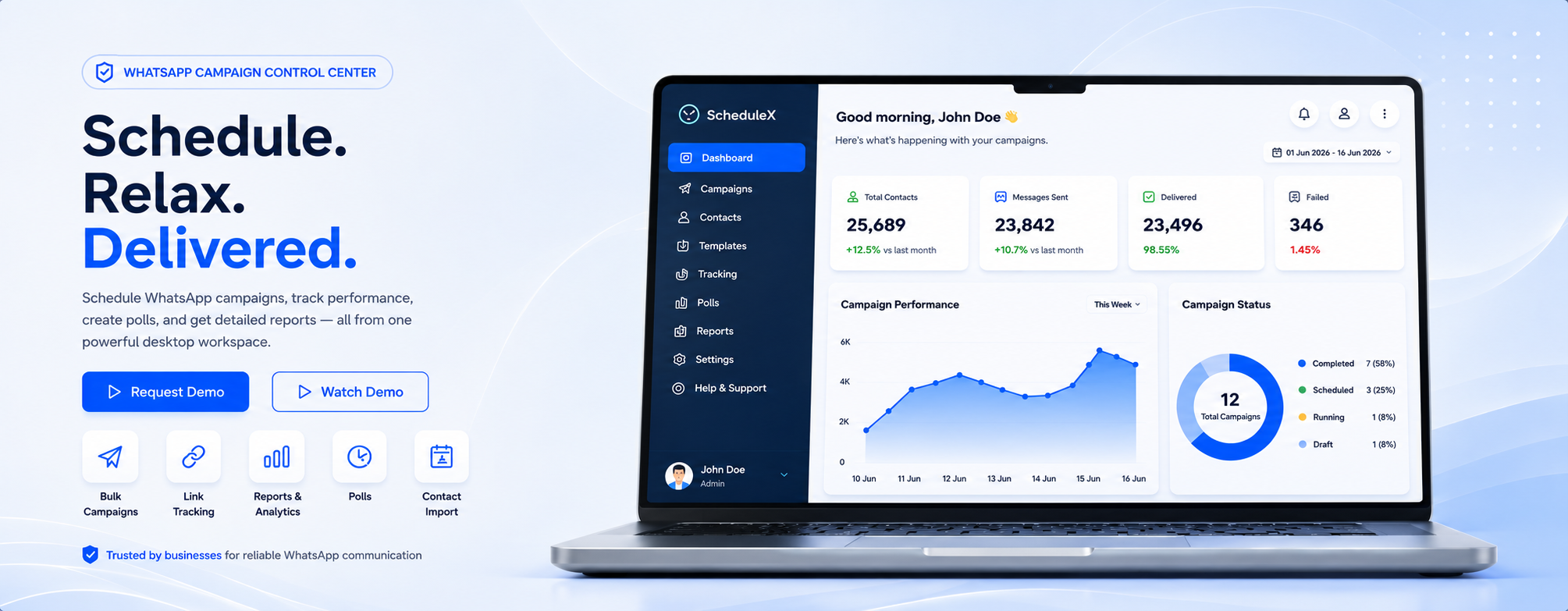
Create message drafts, import contact lists, schedule future sends, or run a campaign immediately.
 Schedule. Relax. Delivered.
Request Demo
Schedule. Relax. Delivered.
Request Demo

Built For Daily Campaign Work
Create message drafts, import contact lists, schedule future sends, or run a campaign immediately.
Add up to three WhatsApp link buttons, track links individually, and keep button previews clear.
Create polls with up to five options and choose single-answer or multiple-answer mode.
Review sent, failed, scheduled, duplicate, and non-WhatsApp counts with export-ready summaries.
Campaign System
ScheduleX brings campaign preparation, engagement tools, scheduling, tracking, and review into one organized workflow for business teams.
Import contacts, prepare message drafts, and organize campaign details before sending.
Add buttons, polls, attachments, and response paths that help customers act faster.
Plan campaign timing, schedule future sends, and keep every run ready for review.
Review sent, failed, scheduled, link tracking, and campaign performance summaries.
Use reports to refine contact lists, message quality, timing, and future campaign plans.
Campaign Flow
ScheduleX is designed around the real workflow inside small teams: import contacts, write the message, add links or polls, schedule the run, and check results after delivery.
Premium Service
ScheduleX should feel premium not only because of the interface, but because customers get a clear setup path: installation, campaign templates, contact import guidance, Meta setup assistance, and support for operational questions.
Tracking and Compliance Ready
Use tracked links for campaign analysis, and prepare for official WhatsApp Cloud API workflows as your business scales to more customers and higher message volumes.
ScheduleX Company
Back To HomeAbout ScheduleX
ScheduleX is a customer engagement platform designed to help businesses simplify communication, automate outreach, and build stronger customer relationships.
From scheduling messages to managing large-scale campaigns, ScheduleX enables organizations to communicate efficiently while saving valuable time and operational costs.
Whether you are sending promotional campaigns, customer updates, reminders, or notifications, ScheduleX provides the tools needed to deliver the right message to the right audience at the right time.
Built with performance, security, and ease of use in mind, ScheduleX helps businesses automate repetitive communication tasks, organize campaigns, monitor delivery, and streamline customer engagement from a single intuitive dashboard.
Our Vision
Helping organizations worldwide automate conversations, improve customer experiences, and scale their business with confidence.
We are building ScheduleX to be a dependable communication platform for modern businesses that need organized outreach, automation, tracking, and customer engagement from one simple workspace.
Our Mission
To empower businesses with intelligent automation that enables meaningful customer engagement and improves productivity across daily communication workflows.
Our mission is to make enterprise-grade communication accessible to businesses of all sizes by offering a powerful platform that improves productivity, enhances customer experience, and helps organizations grow with confidence.
Our Services
ScheduleX helps businesses connect with customers more efficiently, simplify workflows, improve engagement, and support communication at every stage of the customer journey.
Plan messages in advance for reminders, promotions, and important updates.
Reach thousands of customers with large-scale communication campaigns.
Manage announcements and customer interactions from a centralized platform.
Reduce repetitive manual tasks with predefined communication workflows.
Create, organize, and monitor multiple communication campaigns with ease.
Measure communication performance and make informed business decisions.
Organize customer data securely for targeted and efficient communication.
Send timely reminders, confirmations, notifications, and customer updates.
Protect customer data with reliable communication and security standards.
Access ScheduleX anytime through a secure, scalable cloud-based platform.
 Messages